Event Action
These are optional setting
The Event Action section allows you to define how the system should respond when an event is detected, including trigger configuration and monitoring schedules.
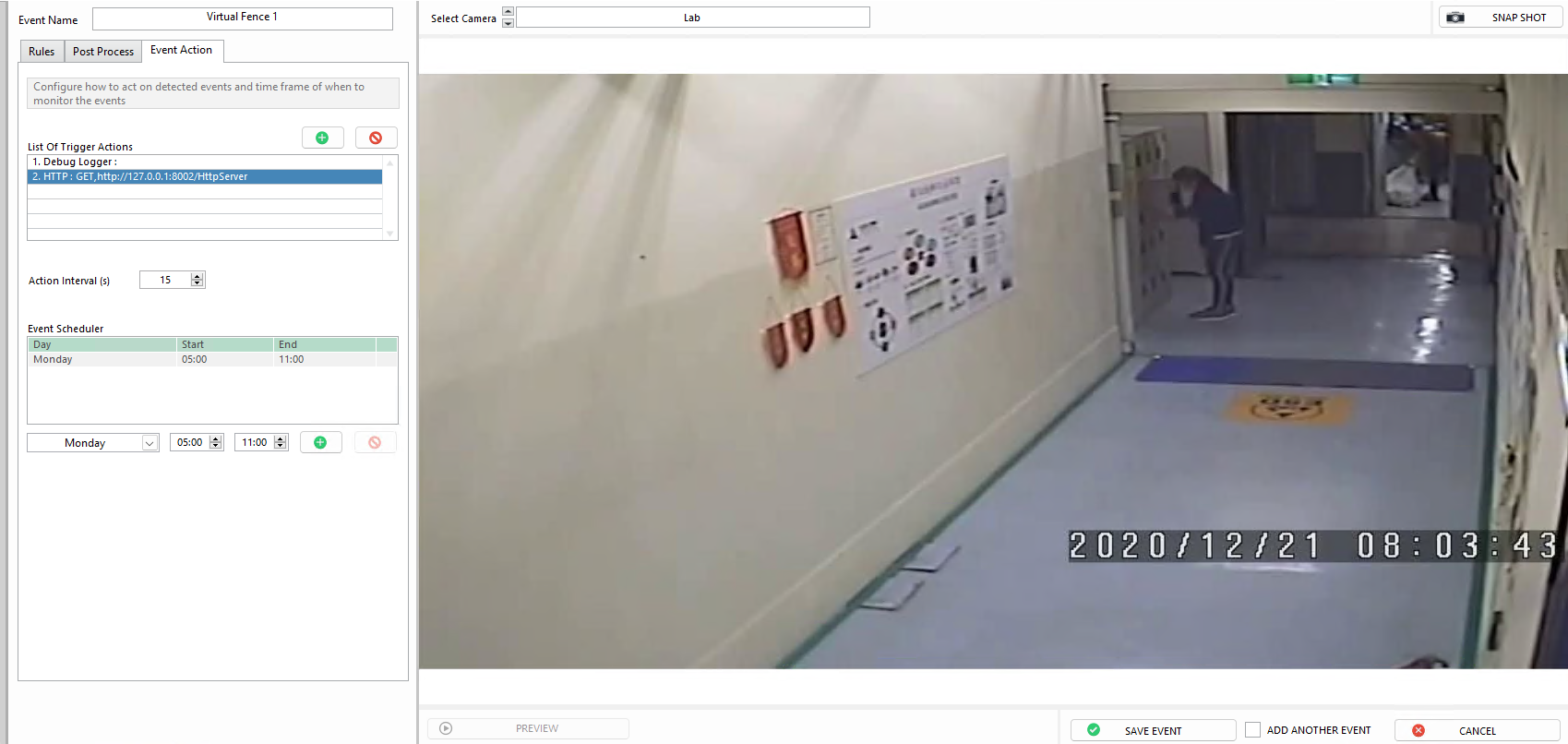
List of Trigger Actions
Triggers enable integration with third-party systems or prompt specific responses when an event occurs.
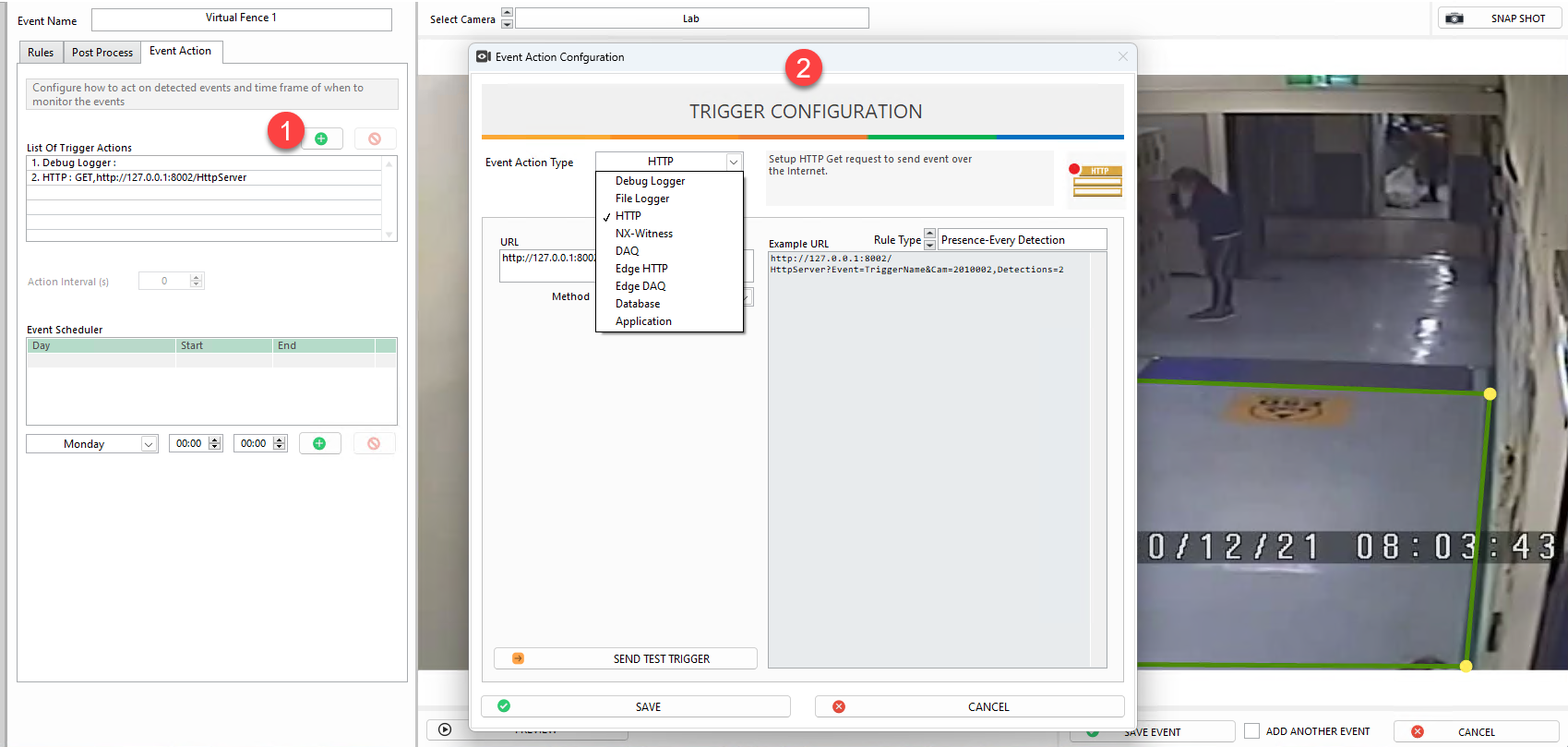
- Click the
+icon to create a new trigger. - Use the Trigger Configuration dialog to customize the trigger according to your needs.
Action Interval
The Action Interval functions as a cooldown period after an event is triggered. Once an event occurs, the system pauses event generation for X seconds, preventing unnecessary repeated actions.

With a 28‑second Action Interval, when the system triggers Event A, it ignores any subsequent events for the next 28 seconds. After the interval expires, the system resumes checking until it detects the next event.
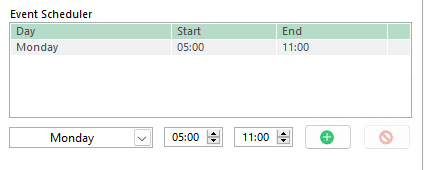
Event Scheduler
The Event Scheduler allows you to specify when the task should actively detect events. When out of schedule, the task is still active but will not trigger events.
Disable Saving Event Image
You can enable the option Don't save any images for this Event if you prefer not to store event snapshots in the event log. This will not affect event detection, triggering, or summary logs.
