Installation and Update
Installation
ANSCENTER Portal is a one-stop shop for managing your own software licenses and download latest software version.
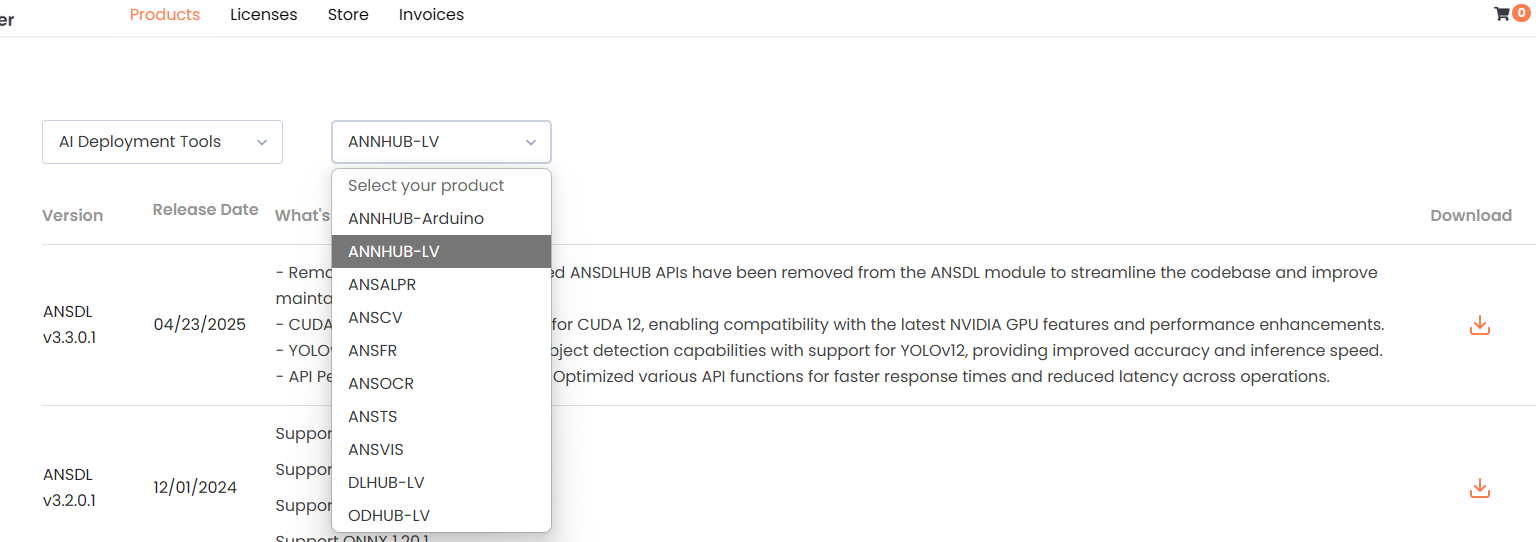
- Navigate to
Product> AI Deployment Toolsand select the corresponding toolkit. - Download the latest installer and related dependencies (if provided).
- Install the Runtime Engine
- Install the
.vipfile with VIPM
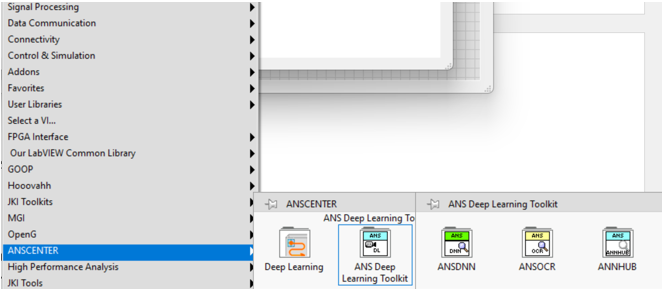
After installation is completed, the LabVIEW toolkit can be found in the ANSCENTER category.
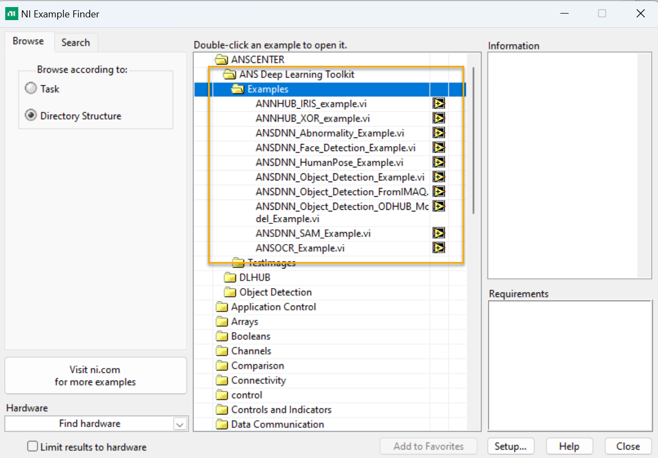
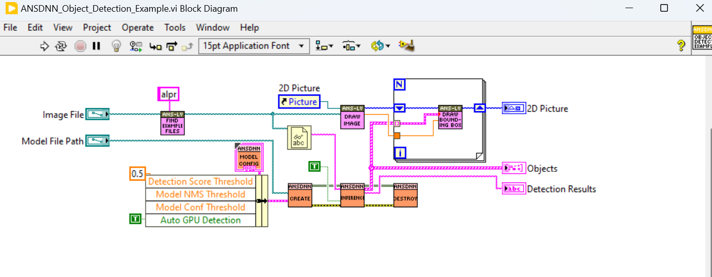
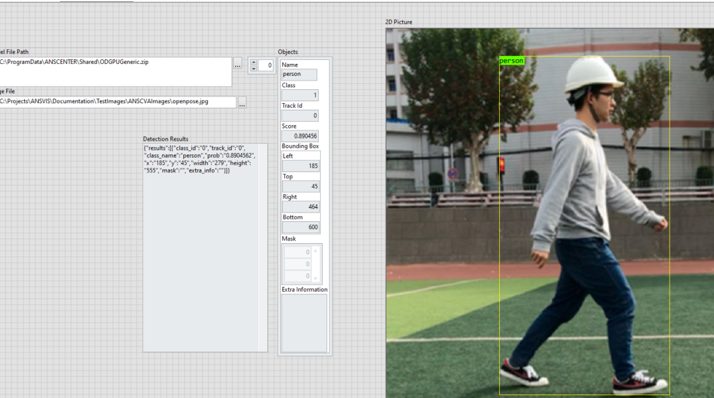
Examples can be found in the NI Example Finder UI. You can replicate these examples for your custom projects
Activate ANSDL
info
To activate each ANSDL toolkit, please refer to ANS License Manager for instruction